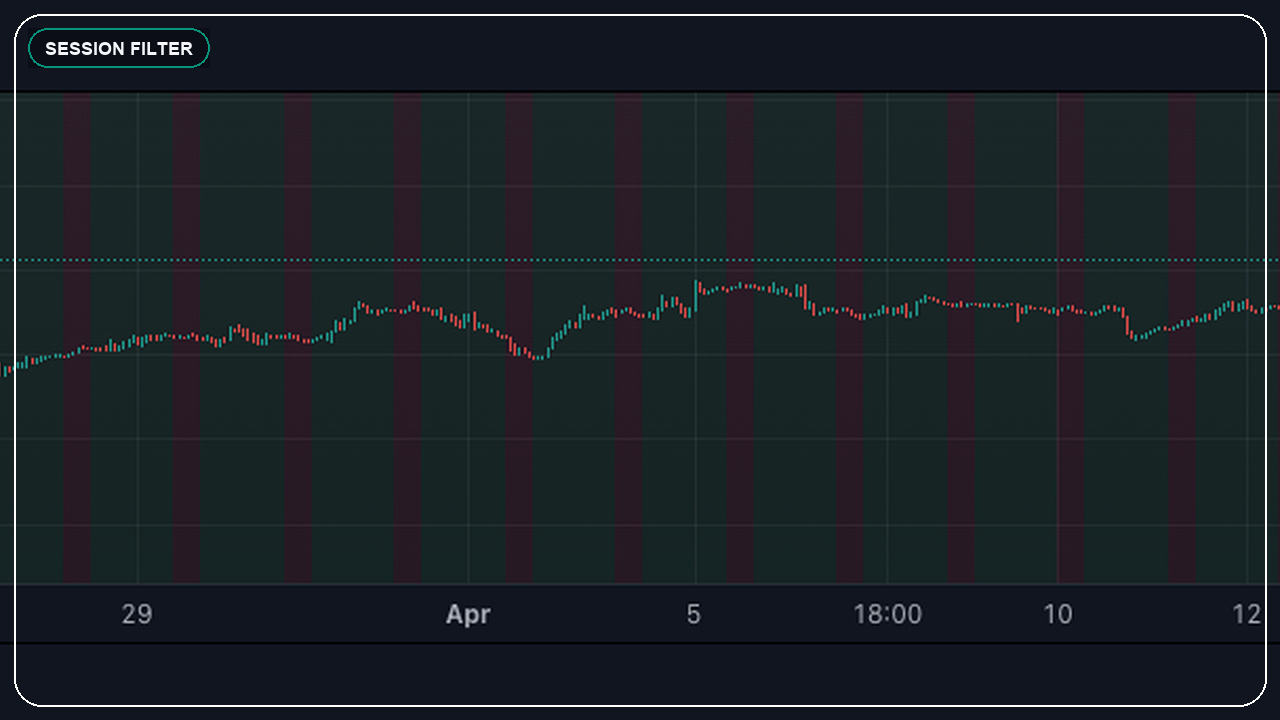
What session filters in Pine Script actually does
A session filter tells the script when it is allowed to evaluate or act on conditions. That keeps the indicator or strategy aligned with the hours your market, setup, or trading style actually cares about.
This matters because many scripts look acceptable on the full chart but behave much better when low-quality overnight or off-session signals are removed. The strategy becomes closer to how real traders operate.
The reason this topic matters so much is that Pine Script usually feels simple until realtime behavior, confirmation, and live alerts expose the assumptions hidden inside the code. That is where a small parameter or declaration choice can completely change the outcome.
- Session filters often improve signal quality by removing structurally weak hours.
- A time filter works best when it matches the market and setup logic clearly.
- Alerts should respect the same session rules the chart uses.
- Session design is especially important for intraday, futures, and forex workflows.
Where session filters in Pine Script usually goes wrong
The usual trap is writing a session filter as an afterthought. Then the strategy still carries assumptions from the full 24-hour chart even though the trader only wants one narrow market window.
In practice, most problems here are not syntax problems. They are expectation problems. The code technically runs, but the trader expected one runtime behavior and the script delivered another. That is why this topic deserves design-time attention instead of being treated like a small implementation detail.
- Filtering the visuals but leaving the actual alert logic unchanged.
- Ignoring exchange time zone and session boundary details.
- Using one generic session rule for markets that behave very differently.
- Forgetting to define what should happen to open positions near session end.
How to use session filters in Pine Script safely in live scripts
The safe pattern is to define the tradable session as part of the strategy design itself. Build entries, exits, and alerts around that window so the script's behaviour stays coherent.
The practical goal is not to make the chart look clever. The practical goal is to make the script behave the same way in live conditions as the trader expects from the finished code. That usually means explicit settings, conservative alerts, and enough instrumentation to debug what actually happened on the bar.
- Choose the session based on the actual behaviour of the setup.
- Keep chart logic and alerts aligned with the same time filter.
- Handle session transitions and position management explicitly.
- Re-test the strategy after adding the filter instead of assuming improvement.
What to check before you trust the result
Before trusting a session filter, make sure the script now reflects your real trading hours instead of simply hiding some plots from view.
The strongest Pine Script work feels a little boring when it is correct. The alerts line up, the visuals tell the truth, and the backtest or runtime assumptions are explicit enough that you can explain them later. That boring clarity is what you want.
- Confirm the session filter uses the correct market time context.
- Check whether false signals drop without damaging the good ones too much.
- Review how positions behave near session close or reopen.
- Verify the webhook or alert layer now stays quiet outside the intended hours.
Send the chart idea, broker, market, and goal on WhatsApp. I can usually tell you quickly whether it needs a custom indicator, a strategy audit, an alert fix, or a broker-ready automation layer.
Related services
Frequently asked questions
Why do session filters improve Pine Script signals?
They often remove low-quality periods where the setup is less relevant, which can make the script behave closer to the actual market hours you trade.
Do session filters matter for swing trading?
Sometimes less than for intraday systems, but they can still matter when entries or alerts should avoid specific market windows.
Can a session filter reduce duplicate alerts?
Yes. Fewer irrelevant hours often means fewer noisy triggers and cleaner event flow.
Should exits also respect the session filter?
That depends on the strategy, but the answer should be deliberate. The script should clearly define what happens near session boundaries.
Primary sources and references
I take on Pine Script indicators, TradingView automation layers, strategy audits, and broker-aware execution workflows when the goal is clear and the live behavior actually matters.