SuperCharts
A local-first browser charting terminal for crypto, forex, and multi-asset trading.
Multi-pane charts, order-flow and footprint views, custom indicators, scripting, alerts, backtesting, and MT5 automation in one workspace.
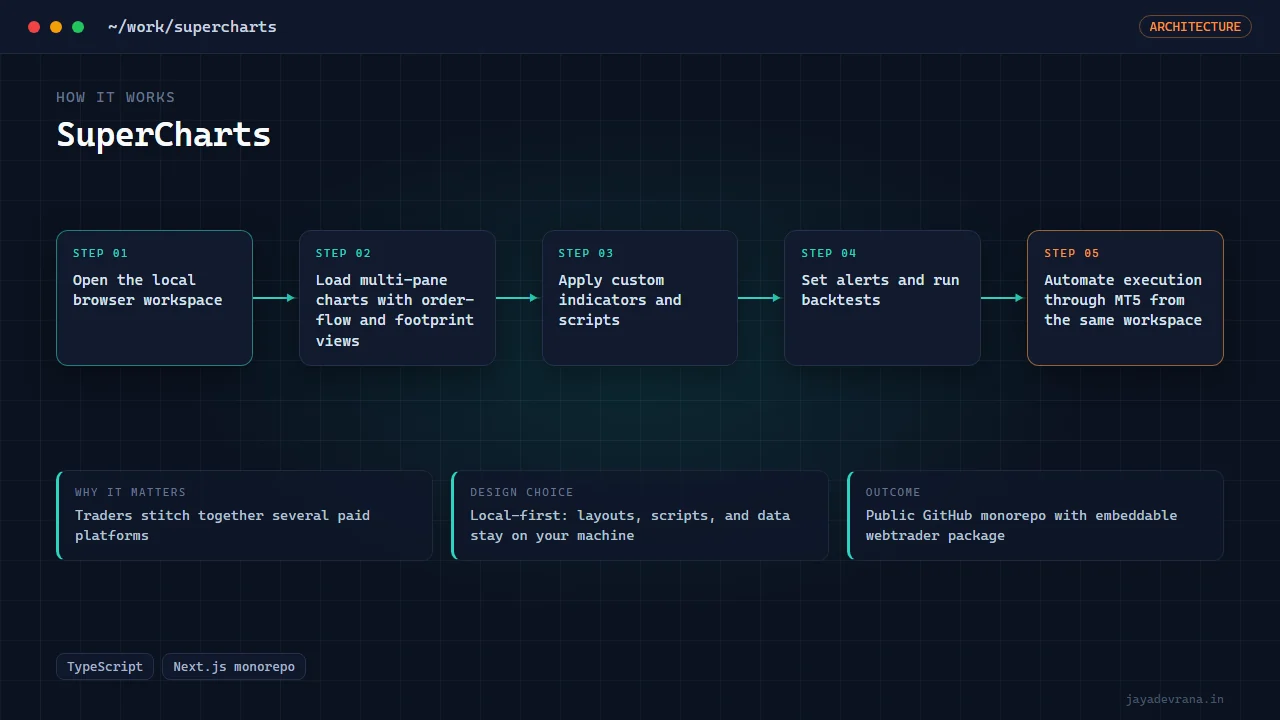
- Multi-pane charts with order-flow and footprint views
- Custom indicators, scripting, alerts, and backtesting
- MT5 automation inside the same workspace
- Local-first monorepo with an embeddable webtrader package
SuperCharts is a local-first, institutional-grade charting terminal that runs in the browser. It brings multi-pane charts, order-flow and footprint views, custom indicators, a scripting layer, alerts, backtesting, and MT5 automation into a single workspace — the kind of toolkit usually spread across several paid platforms.
It is built as a TypeScript Next.js monorepo, with a sibling webtrader-embed package for embedding charts elsewhere. The local-first stance is deliberate: your layouts, scripts, and data stay on your machine rather than behind someone else's login. It is pushed to public GitHub as a serious, multi-asset trading front end rather than a toy chart demo. Bringing order-flow analysis, scripting, alerts, and broker automation into one local workspace means a trader is not stitching together several paid subscriptions just to see the full picture, and the layouts and scripts stay on their own machine.
Update (2026): Now live at supercharting.com as SuperCharting: Pine-compatible scripting, a strategy tester, a browser-side optimiser (443 EMA-cross backtests across 8 parallel engines in under two minutes), a screener, bar replay, webhook alerts, live NSE/BSE/F&O data through Angel One with a circuit breaker, broker connections, a chat-based Pilot panel, and an MCP server so AI agents can search symbols, pull bars, check scripts, run backtests and optimise strategies. A CE/PE options terminal and the TradingView-to-MT5 bridge run on its subdomains.
How it works
- Open the local browser workspace
- Load multi-pane charts with order-flow and footprint views
- Apply custom indicators and scripts
- Set alerts and run backtests
- Automate execution through MT5 from the same workspace