Snapshots
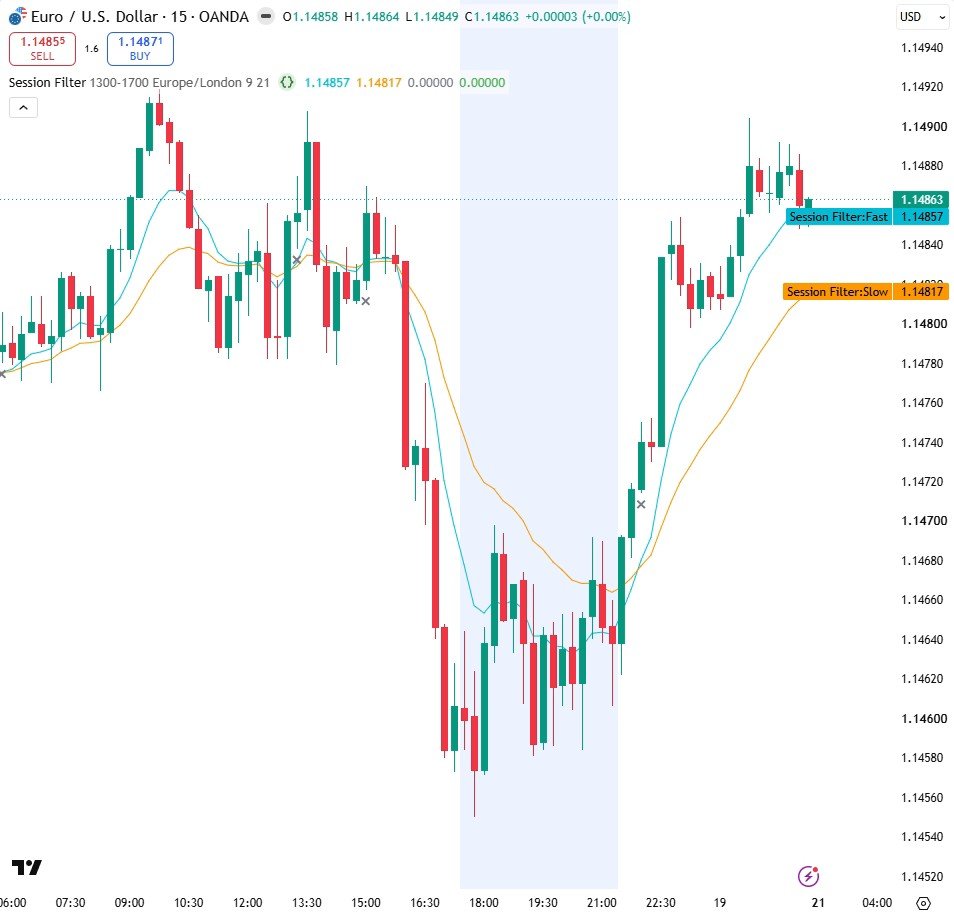
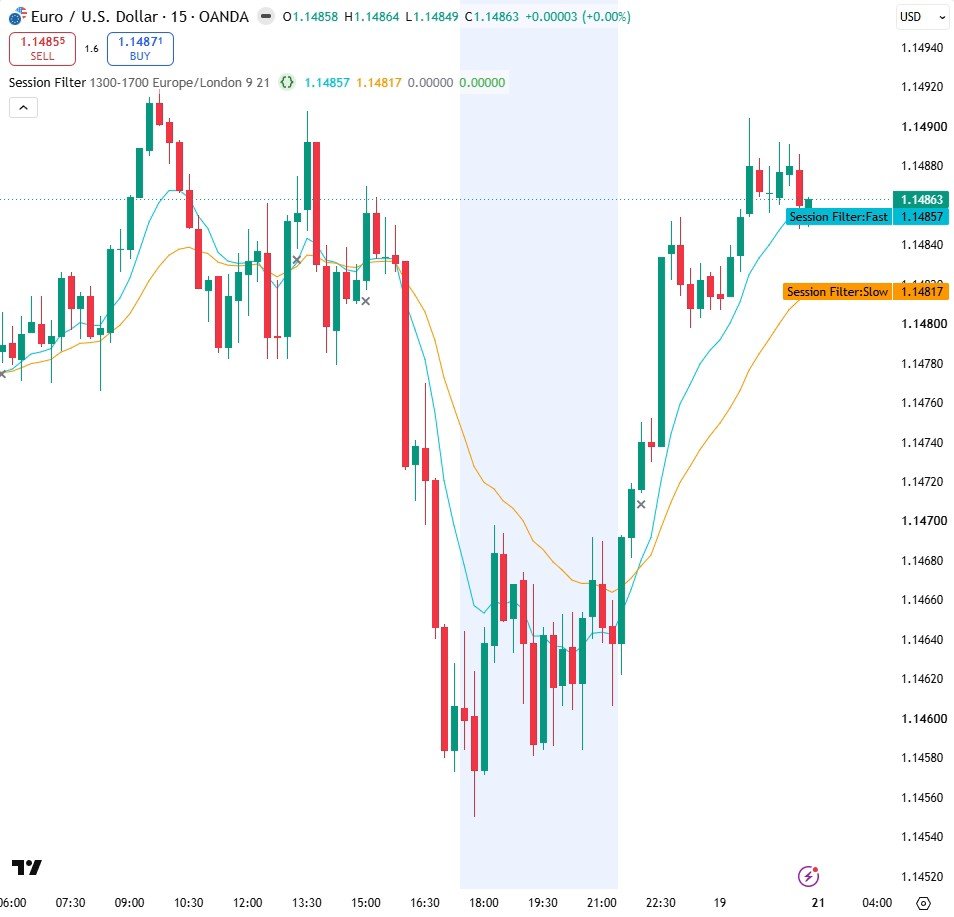
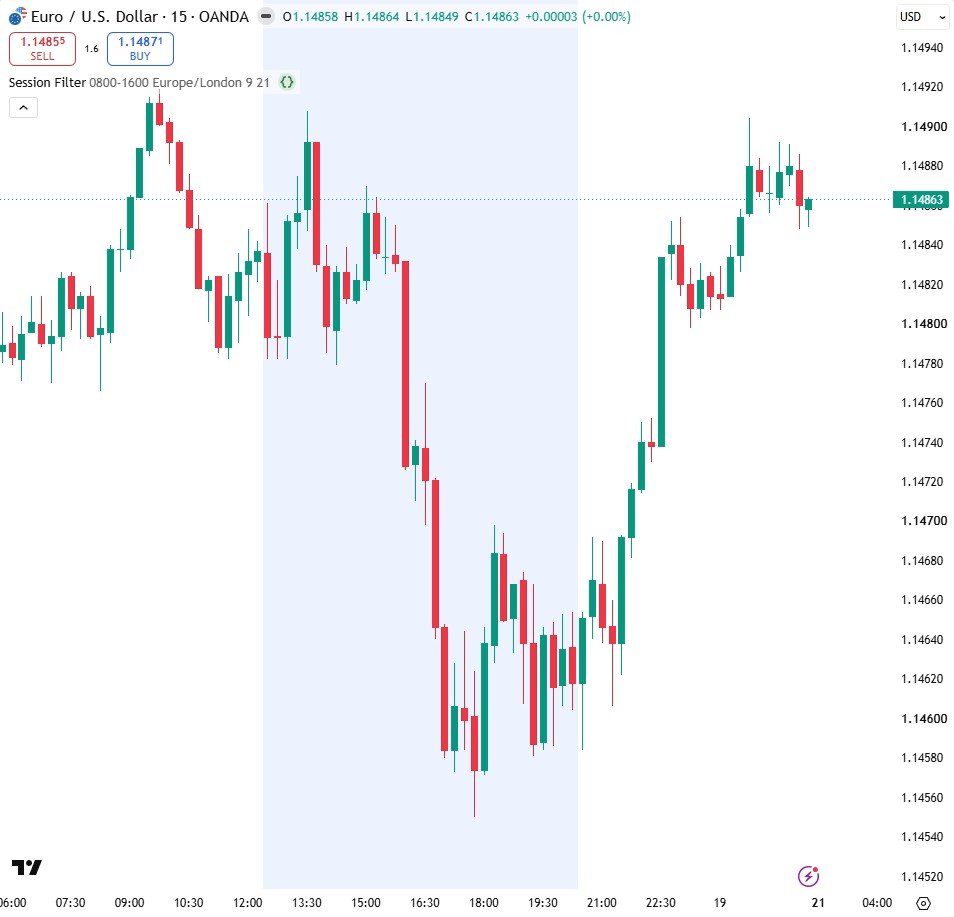
How it works
- time() returns na outside the session, so not na(time(...)) is true only inside your hours.
- bgcolor shades those hours; na means paint nothing at all.
- buySignal = rawBuy and inSession. That single "and" is the whole filter.
Settings
| Setting | Default | What it does |
|---|---|---|
| Trading session | 0800-1600 | The hours you want to trade |
| Timezone | Europe/London | Name the timezone, or daylight saving will move your session |
| Fast average | 9 | Fast EMA length |
| Slow average | 21 | Slow EMA length |
Source code
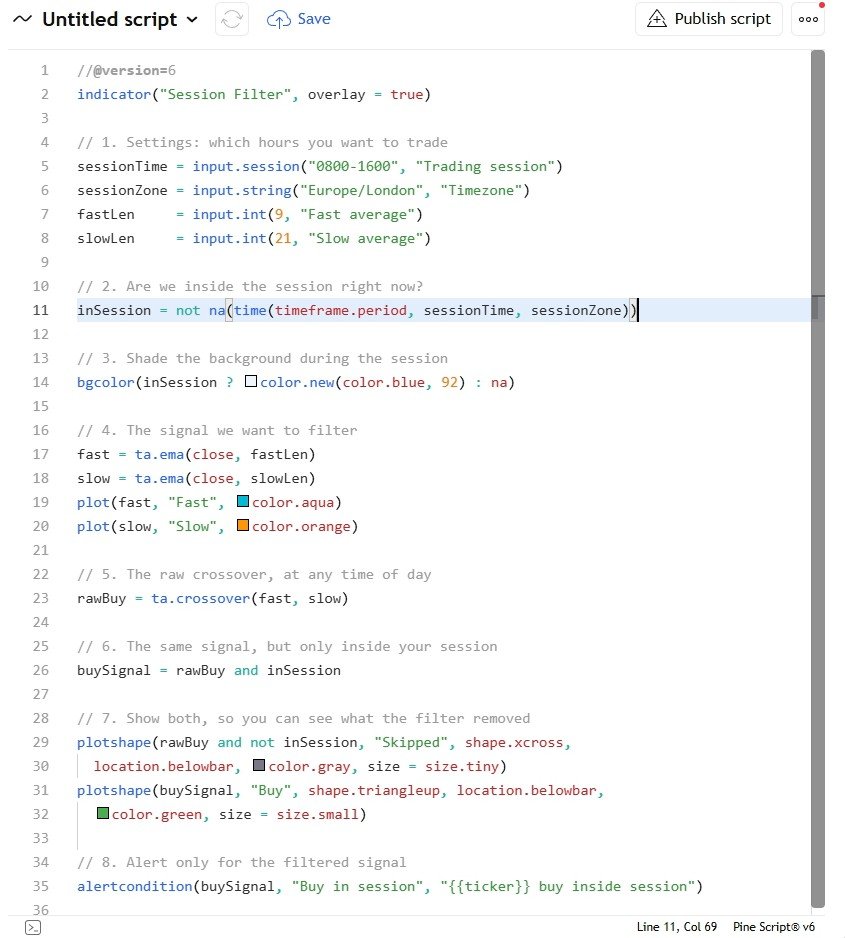
In TradingView: open the Pine Editor, create a new indicator, paste the code, then click "Add to chart".
//@version=6
indicator("Session Filter", overlay = true)

// 1. Settings: which hours you want to trade
sessionTime = input.session("0800-1600", "Trading session")
sessionZone = input.string("Europe/London", "Timezone")
fastLen     = input.int(9, "Fast average")
slowLen     = input.int(21, "Slow average")

// 2. Are we inside the session right now?
inSession = not na(time(timeframe.period, sessionTime, sessionZone))

// 3. Shade the background during the session
bgcolor(inSession ? color.new(color.blue, 92) : na)

// 4. The signal we want to filter
fast = ta.ema(close, fastLen)
slow = ta.ema(close, slowLen)
plot(fast, "Fast", color.aqua)
plot(slow, "Slow", color.orange)

// 5. The raw crossover, at any time of day
rawBuy = ta.crossover(fast, slow)

// 6. The same signal, but only inside your session
buySignal = rawBuy and inSession

// 7. Show both, so you can see what the filter removed
plotshape(rawBuy and not inSession, "Skipped", shape.xcross,
  location.belowbar, color.gray, size = size.tiny)
plotshape(buySignal, "Buy", shape.triangleup, location.belowbar,
  color.green, size = size.small)

// 8. Alert only for the filtered signal
alertcondition(buySignal, "Buy in session", "{{ticker}} buy inside session")
Watch it built
This script is written and explained step by step in the video lesson.
Need a custom indicator or strategy?
Non-repainting Pine Script v6, backtested with real costs, alert and webhook ready. Fixed quote within 24 hours.