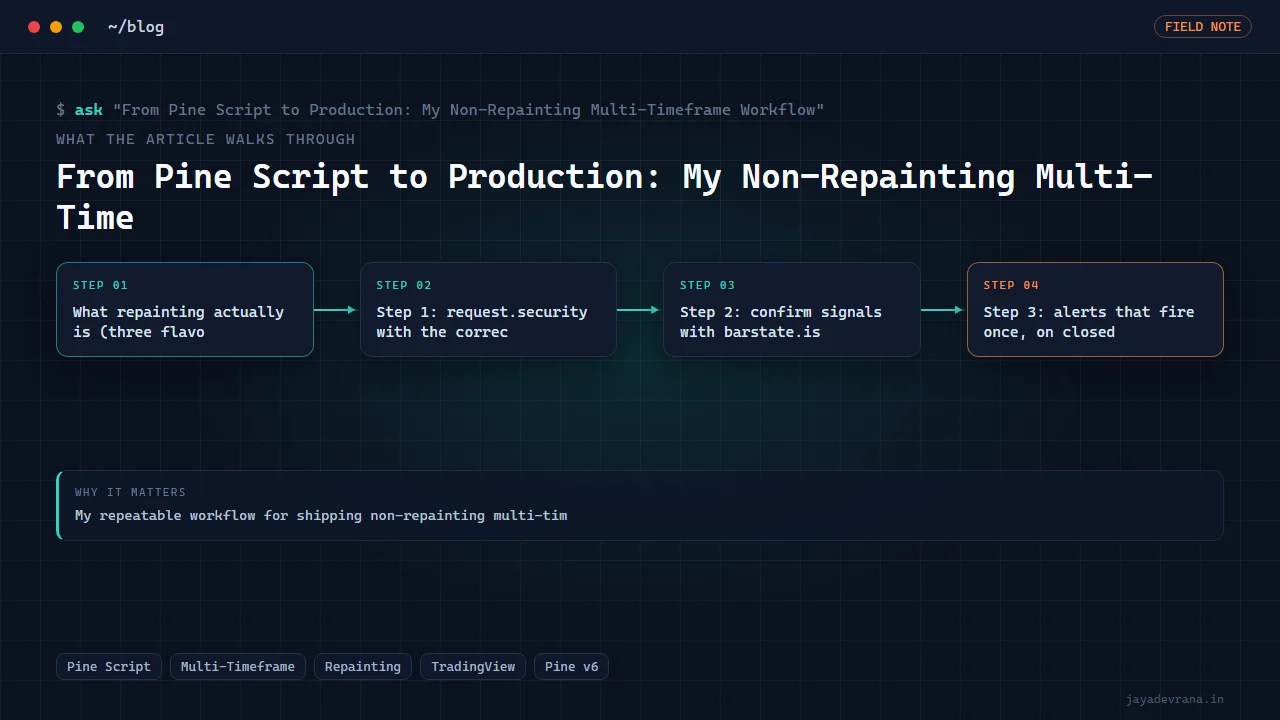
From Pine Script to Production: My Non-Repainting Multi-Timeframe Workflow
My repeatable workflow for shipping non-repainting multi-timeframe Pine Script v6 — barmerge settings, barstate.isconfirmed alerts and a lookahead audit.
Infrastructure, not financial advice. This is about writing indicators that are honest — that show you the same thing in the past that you'd have seen live. Whether any signal is worth trading is a separate question this article does not touch.
The most expensive bug in Pine Script isn't a compile error. Compile errors announce themselves. The expensive bug is an indicator that looks incredible on historical bars and then behaves completely differently in real time — because it was quietly reading data it wouldn't have had live. That's repainting, and on a multi-timeframe indicator it's the default outcome unless you specifically engineer against it.
I write a lot of multi-timeframe (MTF) tools — a signal on the 5-minute chart that respects the 1-hour and daily trend. MTF is exactly where repainting hides, because you're pulling data from a higher timeframe whose current bar hasn't closed yet. This is the workflow I run every time to make sure what I see in backtest is what I'd get live. It's not a trick; it's a checklist I refuse to skip.
What repainting actually is (three flavors)
"Repainting" gets used loosely. It's worth separating the kinds, because the fixes differ:
- Historical-vs-realtime bar mismatch. On historical bars,
request.securitycan hand you the closed higher-timeframe value; in real time, the current HTF bar is still forming and its value changes tick by tick. Same code, two different behaviors. - Lookahead. Asking for HTF data with lookahead enabled literally gives past bars access to future information. The backtest looks psychic. Live, it's not.
- Signal reissue. A signal appears mid-bar, then vanishes when the bar closes because the condition no longer holds. Traders act on the version they saw; the chart later shows a cleaner version that never existed in real time.
My workflow closes all three, in that order.
Step 1: request.security with the correct settings
The entire MTF repaint problem lives in one function call. Get its arguments right and you've solved most of it. In Pine v6 the safe pattern is explicit barmerge settings and a request on confirmed data:
//@version=6
indicator("MTF Trend (non-repainting)", overlay=true)

htf = input.timeframe("60", "Higher timeframe")

// The non-repainting request:
// - lookahead OFF (barmerge.lookahead_off) so no future leakage
// - reference [1] to read the *last closed* HTF bar, not the forming one
htfClose = request.security(syminfo.tickerid, htf, close[1],
                            lookahead = barmerge.lookahead_off)
Two things are doing the work here. lookahead = barmerge.lookahead_off guarantees no future data leaks into historical bars. And requesting close[1] — the previous HTF bar — means you're always reading a value that has actually finished forming. The current HTF bar is still moving; [1] is done and won't change. Together they make the historical and real-time behavior identical, which is the entire definition of non-repainting.
The tempting mistake is close without the offset, or lookahead_on "because the backtest looks better." It looks better because it's cheating. If a change to a barmerge setting dramatically improves your historical results, that is a red flag, not a win.
Step 2: confirm signals with barstate.isconfirmed
Even with clean HTF data, an intrabar signal can flicker: true at 10:03, false by the bar's close at 10:05. To only ever emit signals that would have been real, I gate the acting logic on bar confirmation.
emaFast = ta.ema(close, 20)
emaSlow = ta.ema(close, 50)

rawLong = ta.crossover(emaFast, emaSlow) and close > htfClose

// Only "commit" to the signal once the bar is closed.
longSignal = rawLong and barstate.isconfirmed
barstate.isconfirmed is true only on the bar's final tick. Gating on it means a signal can't appear and then retract — by the time it fires, the bar is closed and the condition is locked in. You can still plot the raw, live condition for visual feedback if you want; you just never alert or act on anything that isn't confirmed.
Step 3: alerts that fire once, on closed bars
The last place repainting sneaks back in is alerts. If you fire an alert on an unconfirmed condition, you'll get an alert that later "shouldn't have happened" when the bar closes differently. So alerts are wired to the confirmed signal, and the alert itself is set to trigger once per bar close.
if longSignal
    alert("Long confirmed on " + syminfo.ticker, alert.freq_once_per_bar_close)

plotshape(longSignal, style = shape.triangleup, location = location.belowbar,
          color = color.green, size = size.small)
alert.freq_once_per_bar_close is the belt-and-suspenders match to barstate.isconfirmed: even if the code path were reachable intrabar, the alert engine won't deliver until the bar closes. Signal logic and alert frequency agree. When they disagree — confirmed signal but a "once per bar" (not close) alert — you get the classic "the alert fired but the arrow disappeared" complaint.
Step 4: the lookahead audit
Now the part most people skip: I don't trust that the code is non-repainting. I verify it. The audit is mechanical and I run it on every MTF indicator before it's allowed near a chart I care about.
- Bar-replay test. TradingView's bar replay steps forward one bar at a time, showing only data that existed at each point. I replay the recent range and watch every signal appear. If a signal shows up during replay in a spot where it isn't on the fully-loaded chart — or vice versa — the indicator repaints. A truly non-repainting tool shows identical signals in replay and in normal view.
- Reload comparison. Screenshot the last N signals, then reload the chart. Historical signals must be in exactly the same places. Any that moved were repainting.
- Grep the source for hazards. I literally search the code for
lookahead_on, forrequest.securitycalls without an offset, and for anyalert/alertconditionthat isn't tied to a confirmed condition. Each hit has to be justified out loud or fixed.
// AUDIT CHECKLIST (kept as a comment block in every MTF script)
// [ ] every request.security uses lookahead_off
// [ ] every HTF value uses [1] (last closed bar), not the live bar
// [ ] every acted-on signal is gated by barstate.isconfirmed
// [ ] every alert uses freq_once_per_bar_close
// [ ] bar-replay signals == fully-loaded-chart signals
// [ ] chart reload leaves historical signals unmoved
If any box is unchecked, the indicator is not done. This checklist lives as a comment at the bottom of every MTF script I write, so future-me can't quietly forget it.
The trade-off nobody likes to say out loud
Non-repainting has a cost, and pretending otherwise is dishonest. A confirmed, closed-bar signal arrives one bar later than the flickering intrabar version. On a 5-minute chart that's up to five minutes of "lag." People see the repainting version fire earlier and assume it's better.
It isn't. The earlier signal is a signal you couldn't reliably have taken, because it might have vanished. A non-repainting indicator that's slightly late is telling you the truth; a repainting one that's early is telling you a story about a past that never happened. I'll take the honest, later signal every time, and I build every tool that way. The whole point of the workflow is that the backtest and live behavior are the same object — so that when I evaluate whether something is worth trading at all, I'm evaluating reality, not a mirage.
The workflow in one line
Request confirmed HTF data with lookahead off and a [1] offset, gate acted-on signals with barstate.isconfirmed, fire alerts once per bar close, then prove it with replay and reload before you believe a single result. Do that and "it looked great in backtest" stops being a warning sign and starts being something you can actually rely on.
Building something in this space? I ship trading automation, Pine Script, MQL5 EAs, and full-stack tools with source and docs.
Start a project →