Building Demo Director: An MCP Server That Turns Claude Into a Product Presenter
How I built Demo Director, an MCP server that lets Claude screen-record and narrate a polished product demo — cursor easing, spotlight, TTS sync and ffmpeg.
I got tired of re-recording product demos. You change one label in the UI, and now the walkthrough video is wrong — so you re-open the screen recorder, fumble the cursor, mispronounce a feature name, clip the audio, and export it four times. The recording is manual, the narration is manual, the edit is manual, and every one of those steps is where takes die.
So I built Demo Director: an MCP server that gives Claude the tools to record, drive, narrate, and assemble a keynote-style product demo end to end. You describe the app and the story you want; Claude moves the cursor like a human, scrolls cinematically, spotlights what it's talking about, speaks over each scene, and hands back a finished MP4. This is a build story about the engineering that makes that feel smooth rather than robotic — and about what MCP is actually good for.
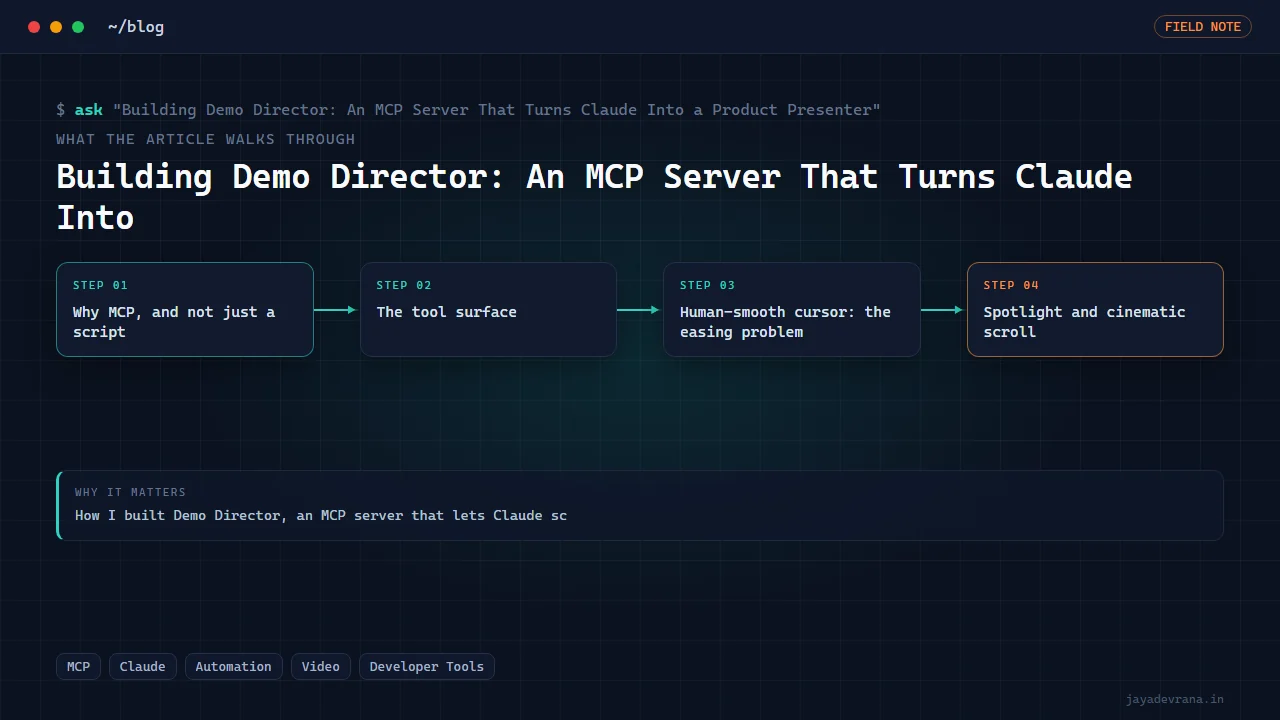
Why MCP, and not just a script
The Model Context Protocol (MCP) lets an AI assistant call external tools through a standard interface. The naive version of this project is a Python script with hardcoded steps. The problem is that a demo is a narrative, and narratives need judgment: which feature to show first, how long to dwell, what to say when the page is still loading, when to zoom in. That judgment is exactly what an LLM is good at and a script is bad at.
So the split is: Claude owns the story; the MCP server owns the motor skills. The server exposes a vocabulary of primitives — move the cursor here, highlight this element, start recording, speak this line — and Claude sequences them into a coherent presentation. The server never decides what to demo. Claude never worries about easing curves or audio loudness. Each does the thing it's good at.
That boundary is the single most important design decision in the whole project. Every time I was tempted to bake "smart" demo logic into the server, I stopped: the moment the server has opinions about the story, you've built a worse version of the LLM and lost the flexibility that made MCP worth using.
The tool surface
The server exposes a deliberately small, composable set of tools. A rough shape of the vocabulary:
{
  "tools": [
    { "name": "start_recording", "args": ["region", "fps"] },
    { "name": "stop_recording", "args": [] },
    { "name": "mouse_move",     "args": ["x", "y", "duration"] },
    { "name": "mouse_click",    "args": ["x", "y"] },
    { "name": "scroll",         "args": ["target", "easing"] },
    { "name": "highlight",      "args": ["selector", "style"] },
    { "name": "narrate",        "args": ["text", "voice"] },
    { "name": "compose_final_video", "args": ["music", "captions"] }
  ]
}
Claude calls these the way a director calls shots: start_recording, then a sequence of moves and narrations that tell a story, then stop_recording, then compose_final_video. The magic is entirely in how each primitive is implemented, because the difference between "screen recording" and "product launch video" is a hundred small motion and timing details.
Human-smooth cursor: the easing problem
The first thing that betrays an automated demo is the cursor. Software moves the mouse in a straight line at constant velocity, and your brain instantly reads it as a robot. Humans don't move like that. A real cursor accelerates, overshoots slightly, corrects, and decelerates into the target.
So mouse_move never teleports and never moves linearly. It interpolates along an eased path — I use an ease-in-out curve with a subtle overshoot — sampled at the recording frame rate so the motion is smooth on video, not steppy.
def ease_in_out(t: float) -> float:
    # cubic ease-in-out: slow start, fast middle, slow settle
    return 4*t*t*t if t < 0.5 else 1 - pow(-2*t + 2, 3) / 2

def move_cursor(x0, y0, x1, y1, duration, fps=60):
    frames = max(1, int(duration * fps))
    for i in range(frames + 1):
        t = ease_in_out(i / frames)
        x = x0 + (x1 - x0) * t
        y = y0 + (y1 - y0) * t
        set_cursor(round(x), round(y))
        sleep(1 / fps)
That one function is the difference between "a script is clicking things" and "someone is showing me the app." Constant-velocity motion is uncanny; eased motion with a settle reads as intentional.
Spotlight and cinematic scroll
Two more effects do most of the "keynote" feeling:
Spotlight highlight. When Claude narrates a feature, highlight locates the target element, dims the rest of the page, and draws attention to it — a soft focus ring, sometimes a gentle zoom toward it. The viewer's eye goes exactly where the narration is pointing. Implementing this against a live page means resolving a selector or coordinates to a bounding box, then compositing the dim-and-focus overlay into the recording region.
Cinematic scroll. Scrolling is another robot-tell. Native scroll jumps in wheel-sized chunks. scroll instead animates the viewport smoothly toward a target element with the same easing philosophy as the cursor — decelerating as the element reaches a comfortable reading position rather than the very top edge. Small thing, big difference in perceived polish.
Narration: rendering, then syncing
Narration is a two-part problem: making the voice sound human, and making it land in time with what's on screen.
For the voice, narrate renders each sentence separately rather than one long block. Per-sentence rendering gives natural prosody variation and lets me insert variable-length pauses, soft in-breaths, and micro-timing jitter between lines, so the read sounds like a narrator breathing rather than a TTS engine sprinting. Everything is normalized to broadcast loudness so the final mix is even.
The harder half is sync. The recording and the audio are produced somewhat independently — the visual actions take however long they take, and the narration takes however long it takes to speak. If you just overlay them, the words drift out of alignment with the visuals. The composition step aligns them: each narration clip is anchored to the scene it belongs to, and the visual timeline is padded (a held frame, a slightly longer dwell) so the sentence finishes before the next action begins. Nobody wants the cursor to have already clicked "Export" while the voice is still explaining the settings panel.
Composition: ffmpeg does the unglamorous work
compose_final_video is where the pieces become a file. Under the hood it's ffmpeg orchestration: concatenate the recorded segments, lay the narration track over the video, duck a bed of background music under the speech so the voice always sits on top, burn in lower-third captions, and encode to a clean, shareable MP4.
subprocess.run([
    "ffmpeg", "-y",
    "-i", "screen.mp4",
    "-i", "narration.wav",
    "-i", "music.mp3",
    "-filter_complex",
        # duck music under voice, then mix
        "[2:a]volume=0.15[bed];"
        "[1:a][bed]amix=inputs=2:duration=first:dropout_transition=2[a]",
    "-map", "0:v", "-map", "[a]",
    "-c:v", "libx264", "-crf", "20", "-preset", "medium",
    "-c:a", "aac", "-b:a", "192k",
    "out.mp4",
], check=True)
Audio ducking — pulling the music volume down whenever the narrator speaks — is one of those details that nobody notices when it's right and everyone notices when it's wrong. It's a two-line filter and it does an enormous amount for perceived production quality.
What went wrong (and what it taught me)
- Race conditions between "action done" and "frame captured." Early on,
highlightwould fire before the target element had actually rendered, and the spotlight would land on empty space. The fix was to make visual tools wait for the thing they act on to exist before proceeding, rather than trusting a fixed sleep. - Narration outrunning the visuals. My first cuts had the voice finishing a sentence two seconds after the demo had already moved on. The sync/padding pass exists entirely because of that.
- Over-narrating. My instinct was to explain everything. The demos got better when Claude was prompted to let silence and motion carry some of the load. A good demo breathes.
Why this is the right shape for an AI tool
Demo Director works because it respects a clean division of labor. The LLM is a director with taste and context; the MCP server is a crew with reliable motor skills. Claude never has to know about easing curves; the server never has to know what a good demo looks like. When I want a different style of walkthrough, I don't touch the server — I just tell Claude to direct it differently.
That's the pattern I keep coming back to with MCP: don't build the intelligence into the tool. Build reliable, composable primitives, expose them cleanly, and let the model do the thinking. The tool that resists being clever is usually the one that ages well.
Building something in this space? I ship trading automation, Pine Script, MQL5 EAs, and full-stack tools with source and docs.
Start a project →