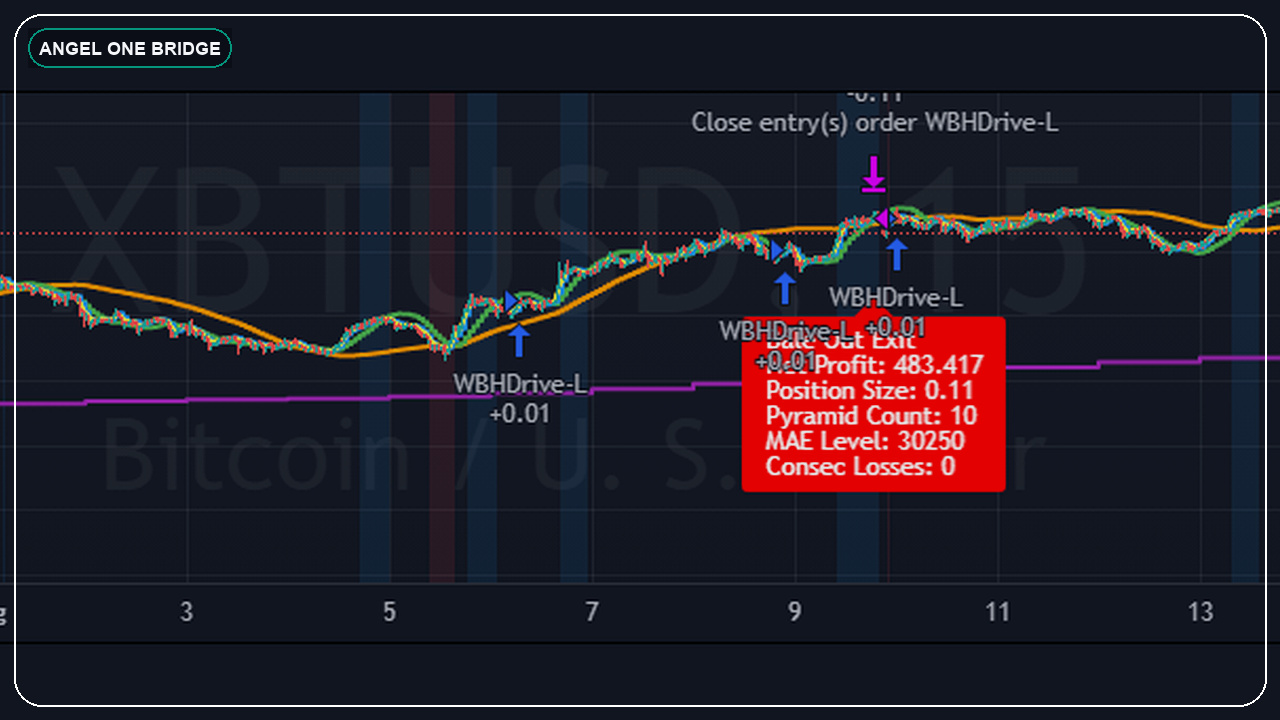
The clean architecture for broker webhook workflows
TradingView sends the event. Your bridge decides whether the event is valid. The broker API only sees the order once the alert survives the safety checks. That separation is what makes Zerodha and Angel One workflows easier to trust.
- keep alert payloads machine-readable and versioned
- validate symbols and sessions before touching the broker
- log both accepted and rejected events
- monitor broker response instead of assuming request success equals execution success
What changes between Angel One and Zerodha
The chart side can look similar, but the broker side is never truly identical. Authentication, symbols, throttling, order semantics, and post-trade visibility differ enough that each adapter should be treated as its own execution layer.
That is why the better approach is to normalize the TradingView payload once, then let each broker adapter interpret it safely on its own side.
Best next pages if you want this built
If your workflow is broker-first, open the TradingView automation developer page. If you want proof first, review the Work section and then compare the deeper broker guides already live on the site.
- TradingView to Zerodha automation
- TradingView to Angel One SmartAPI
- TradingView webhook JSON for Indian brokers
Frequently asked questions
Can one TradingView webhook payload work for both Angel One and Zerodha?
At the intent level, yes. But the final broker adapter still needs its own symbol handling, auth, and order logic.
Do I need a separate server between TradingView and the broker?
For any serious workflow, yes. That server or bridge layer is where validation, logging, retries, and safety checks belong.
If you want to turn this topic into a real build or a clearer plan, send the setup on WhatsApp. You can also review the Work and Proof pages first if you want examples before you message.