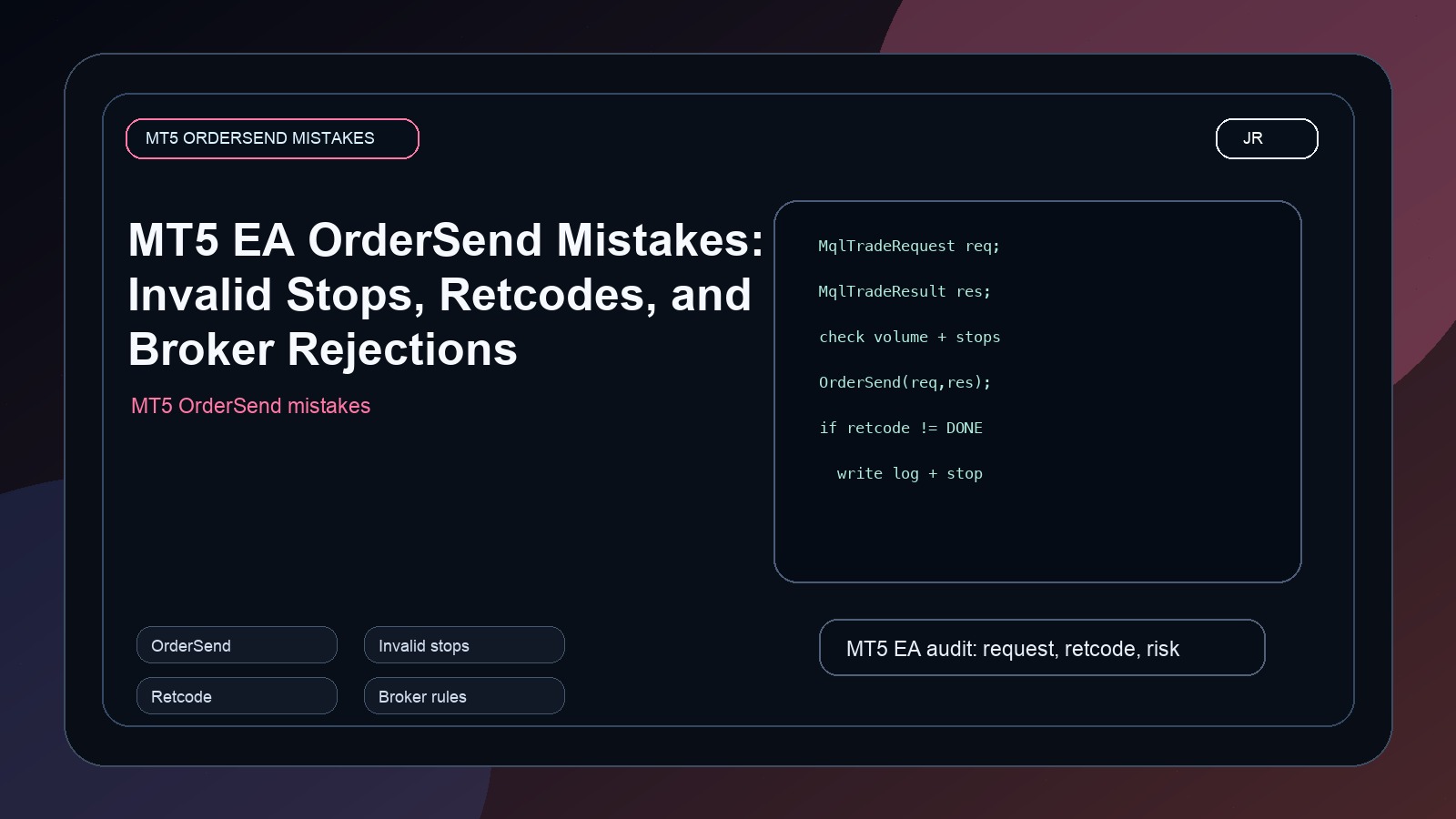
MT5 EA order problems usually happen when the request is not validated, stops are too close or mispriced, and the code ignores the trade server retcode.
MT5 EA traders often search for OrderSend errors, invalid stops, invalid volume, and why an EA says it sent an order but no trade appears. The root mistake is usually the same: the developer checks only the first layer of the request and ignores the broker response.
In MQL5, a trade request has structure. You fill a request, send it, and then inspect the result. A successful basic function call does not automatically mean the broker accepted and executed the order. That distinction is not academic. It is the difference between an EA that can be debugged and an EA that silently fails.
MqlTradeRequest request;
MqlTradeResult result;
ZeroMemory(request);
ZeroMemory(result);

request.action = TRADE_ACTION_DEAL;
request.symbol = _Symbol;
request.volume = 0.10;
request.type = ORDER_TYPE_BUY;
request.price = SymbolInfoDouble(_Symbol, SYMBOL_ASK);
request.sl = NormalizeDouble(request.price - 200 * _Point, _Digits);
request.tp = NormalizeDouble(request.price + 400 * _Point, _Digits);
request.deviation = 20;
request.magic = 20260504;

bool sent = OrderSend(request, result);
if(!sent || result.retcode != TRADE_RETCODE_DONE)
{
   Print("Order failed. sent=", sent, " retcode=", result.retcode, " comment=", result.comment);
}Why invalid stops happen
Invalid stops often come from using the wrong side of price, ignoring symbol stop levels, failing to normalize prices, or applying a fixed point distance to instruments that do not behave the same way. Gold, indices, crypto CFDs, and forex pairs can all have different tick sizes and broker rules.
A clean EA should calculate stop loss and take profit from symbol information, normalize prices to the symbol digits, and log the final request values. If the broker rejects the order, the log should make the reason visible.
The mistakes I check first
- The EA uses Bid for a buy order entry or Ask for a sell order entry incorrectly.
- Stop loss is too close to the current price for that broker.
- Volume is not aligned with minimum lot, maximum lot, or volume step.
- The code checks
OrderSend()but does not inspectresult.retcode. - The EA retries after failure without changing the invalid request.
When I audit an EA, I want to see request logs, retcodes, symbol details, spread, stop distance, and the exact broker account type. Without that, people guess. Professional EA debugging should not be guessing.
How to make the EA easier to support
Add a single function that prints every important request field before sending the order. Add another function that explains the result retcode. Then keep screenshots of the Journal and Experts tab when a failure happens. That small discipline can save hours.
Jayadev Rana builds MT5 EAs with this kind of operational thinking: not only entry logic, but validation, logs, risk checks, and broker-aware behavior.
For client work, I also add a failure mode. If the EA cannot create a valid request, it should refuse to trade and explain why. A robot that does nothing with a clear reason is much safer than a robot that keeps sending bad requests until the account or VPS becomes noisy.
The safest approach is to validate before sending. Check whether trading is allowed for the symbol. Check minimum and maximum volume. Normalize the price. Confirm that the stop loss is on the correct side of the market. Confirm that the distance is allowed by the broker. Only then send the request.
I often see EAs that print only "order failed". That message is almost useless. It tells us something went wrong but not what the EA asked the broker to do. The broker may have rejected the stop distance, the lot size, the filling mode, the price, or the trading session. Each one requires a different fix.
When an MT5 order fails, the Journal should not force the trader to guess. A useful log includes symbol, order type, requested volume, entry price, stop loss, take profit, spread, stop level, freeze level, margin check, and the final retcode. That sounds like a lot, but it is exactly the information needed when a broker rejects a trade.
What a professional EA log should show
Backtests do not always reveal broker execution problems. Live trading introduces spread changes, filling modes, session restrictions, and symbol-specific rules that can reject a request that looked acceptable in testing. That is why I treat execution code as production infrastructure. The signal can be simple, but the order layer must be defensive. A good EA should fail safely, explain the failure, and avoid repeating the same bad request.
Why this matters more in live accounts
That is the difference between a demo script and a tradeable robot. The demo proves the idea can send an order. The production version proves it can handle rejection, changing spreads, unusual symbols, and broker rules without creating confusion.
Ask Jayadev Rana to audit your MT5 OrderSend or invalid stops issue
Send the chart idea, market, timeframe, and goal on WhatsApp. I can usually tell you quickly whether the next step is a custom Pine Script build, a strategy audit, or a broker-ready automation layer.
Related services
Frequently asked questions
Can Jayadev Rana fix my existing script or EA?
Yes. Send the code, screenshot, error message, and what you expected the system to do.
Will the solution be explained?
Yes. The goal is not only to patch code, but to make the trading logic easier to maintain.
How do I request a quote?
Send the script or EA requirement on WhatsApp with the market, timeframe, and broker details.
Primary sources and references
I take on Pine Script indicators, TradingView automation layers, strategy audits, and broker-aware execution workflows when the goal is clear and the live behavior actually matters.