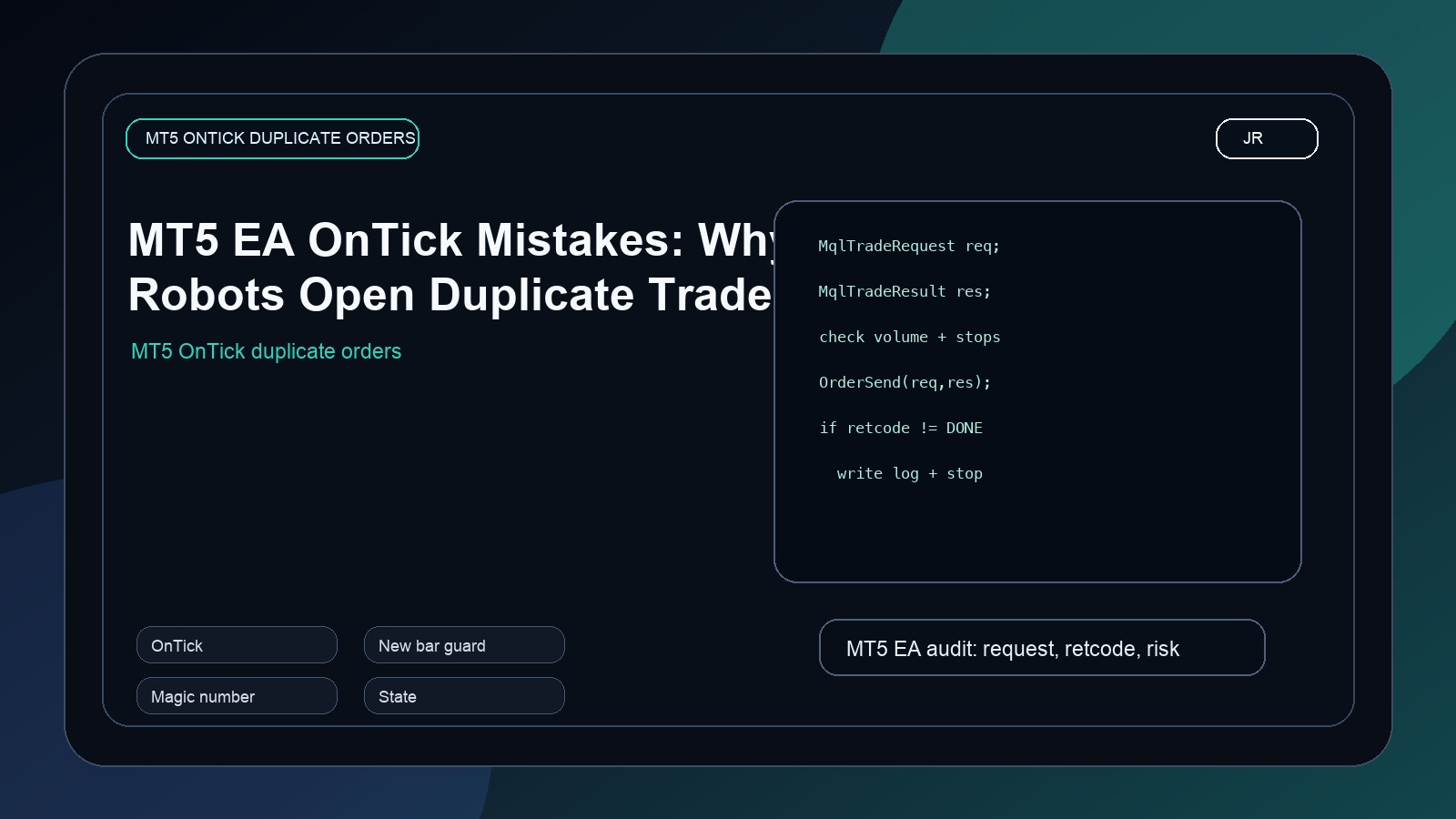
Many MT5 robots open duplicate trades because the developer forgets that OnTick can run many times inside one candle and signal state must be controlled.
One of the most common MT5 EA mistakes is accidental overtrading. A trader wanted one trade per candle. The EA opened several. The strategy looked sensible in the developer's head, but OnTick() ran every time a new tick arrived.
That is the first thing to understand about Expert Advisors. The market does not call your code once per candle. It calls your tick handler when ticks arrive. During active sessions, that can be many times inside the same candle. If your signal condition remains true, the EA can repeatedly attempt entries unless you add position checks and timing rules.
datetime lastBarTime = 0;

bool IsNewBar()
{
   datetime currentBarTime = iTime(_Symbol, PERIOD_CURRENT, 0);
   if(currentBarTime != lastBarTime)
   {
      lastBarTime = currentBarTime;
      return true;
   }
   return false;
}

void OnTick()
{
   if(!IsNewBar())
      return;

   if(PositionSelect(_Symbol))
      return;

   // Evaluate signal once per candle here.
}Why this matters
Duplicate entries are not just annoying. They change the risk profile of the system. A 1% risk idea can become 5% risk if the EA opens five positions before the trader notices. On some brokers, it may look like a normal sequence of trades. In reality, it is a missing state rule.
The fix depends on the strategy. Some EAs should evaluate once per candle. Some scalpers should evaluate every tick, but still need cooldowns, spread filters, and position limits. The developer must decide intentionally.
What I check in an overtrading EA
- Does the EA check whether a position already exists for the symbol and magic number?
- Does it run signal logic once per candle or every tick by design?
- Does it protect against repeated pending orders?
- Does it use a cooldown after entry, stop, or take profit?
- Does it separate signal detection from order execution?
A professional EA is built around state. Entry signals, open positions, pending orders, last trade time, last bar time, and broker response all matter. If the EA ignores state, it behaves like a button being pressed repeatedly.
How I would repair it
I usually add three guards: a new-bar or cooldown guard, a symbol and magic-number position check, and a broker response check. Then I log why the EA did or did not trade. That makes future debugging much easier.
The goal is not to make the EA trade less. The goal is to make it trade exactly when the strategy says it should trade.
When I repair duplicate order problems, I also add logs for skipped trades. The EA should say, "signal true, but position already exists" or "signal true, but cooldown active". These messages help the trader understand that the robot is protecting the rules, not randomly refusing to trade.
Magic numbers are especially important. If the account has manual trades or several EAs running together, the robot should not treat every open position as its own and it should not ignore its own positions because another trade exists. Symbol and magic-number checks make the EA behave like a responsible process inside a larger account.
If the strategy is based on candle close confirmation, I normally evaluate entries once per new bar. If the strategy is based on breakout price touches, I may evaluate every tick, but then I add stronger guards: max one position per symbol, max one pending order per setup, spread filter, cooldown, and magic-number filtering. Without those controls, a tick-based EA can become a machine gun.
Not every EA should use a new-bar guard. Some scalping systems are designed to react intrabar. The mistake is not using ticks. The mistake is using ticks accidentally. A professional EA should make this choice visible in the inputs and in the code structure.
How to decide between tick logic and candle logic
If a trader cannot explain how many trades the EA is allowed to open, the EA is not ready. The answer should include symbol, direction, magic number, timeframe, candle, cooldown, and pending order behavior. Once that rule is written clearly, the code becomes much easier to audit. Duplicate orders usually disappear when the trading permission rules are treated as part of the strategy, not as an afterthought.
The simple rule I use with clients
This is also why I prefer writing execution rules in plain language before coding them. If the rule says one trade per closed candle, the EA should enforce that rule even when the broker sends hundreds of ticks during the same candle.
For live deployment, I also like adding a simple dashboard comment or chart label that shows whether the EA is waiting for a new bar, blocked by an existing position, blocked by spread, or ready to trade. That small visibility stops many support messages before they start.
Ask Jayadev Rana to fix duplicate trades in your MT5 EA
Send the chart idea, market, timeframe, and goal on WhatsApp. I can usually tell you quickly whether the next step is a custom Pine Script build, a strategy audit, or a broker-ready automation layer.
Related services
Frequently asked questions
Can Jayadev Rana fix my existing script or EA?
Yes. Send the code, screenshot, error message, and what you expected the system to do.
Will the solution be explained?
Yes. The goal is not only to patch code, but to make the trading logic easier to maintain.
How do I request a quote?
Send the script or EA requirement on WhatsApp with the market, timeframe, and broker details.
Primary sources and references
I take on Pine Script indicators, TradingView automation layers, strategy audits, and broker-aware execution workflows when the goal is clear and the live behavior actually matters.